Define what runs online.
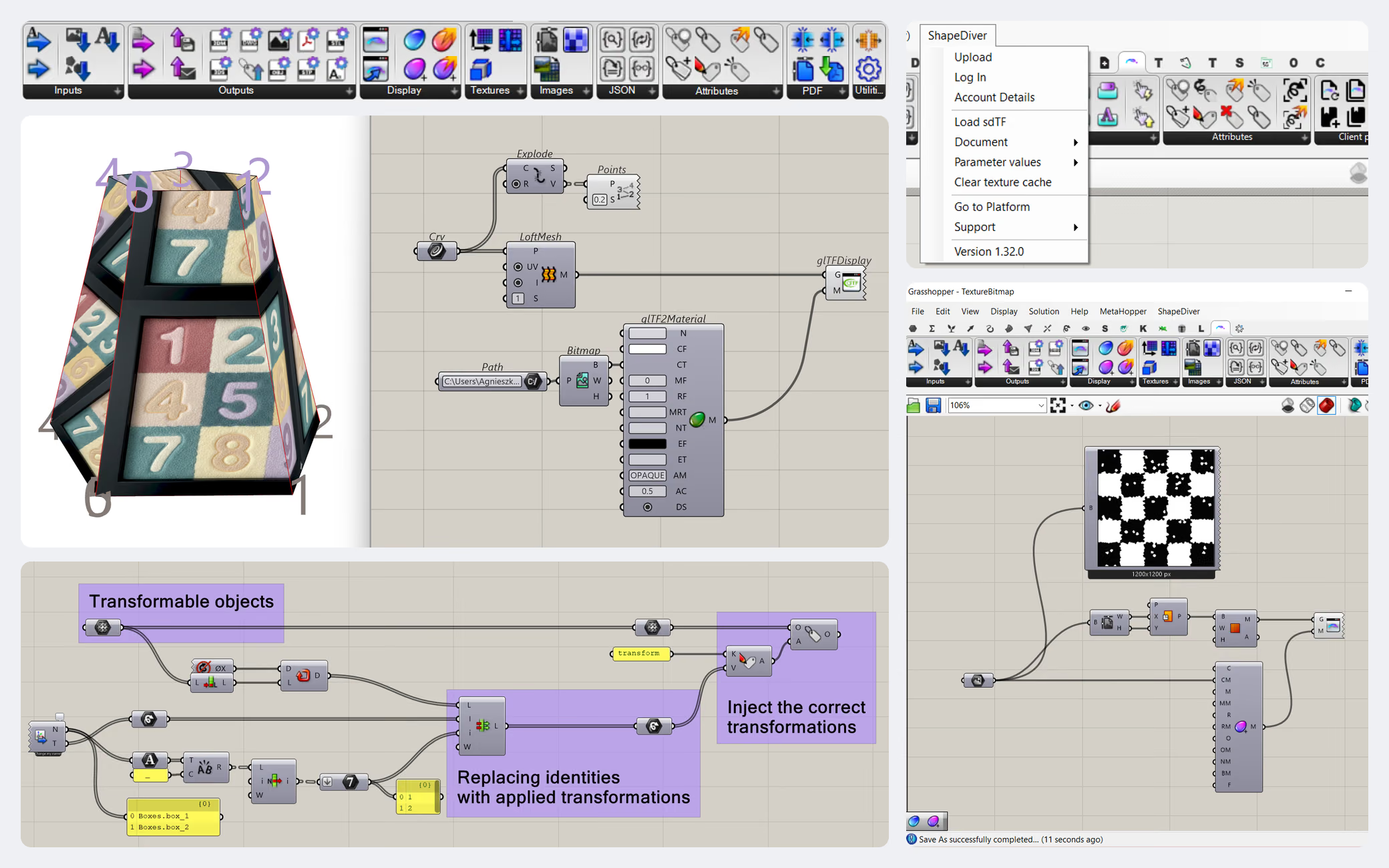
ShapeDiver’s input, output, display, and export components set which parameters people can change, what geometry and files come back, and how results look.
Platform / Authoring
The ShapeDiver plug-in is where your work starts. It’s free, and in it you build your definition (and, if you like, its interface with App Builder), check it’s compatible, and send it to the platform, all from the canvas you already work in.
Free plug-in. 14-day trial for the platform.
What it is
Installing the plug-in adds two kinds of building blocks to Grasshopper. First, the components that make a definition run online: inputs for the parameters people can change, outputs for the geometry and data that come back, and components for display and file exports. Second, and this is the part people don’t always expect, App Builder components, a no-code way to design the app’s interface (tabs, panels, controls, charts, and more) right on the canvas. These components are optional: a model already runs online from the inputs you exposed without them. But when you want a custom interface and would rather not write code, this is where you build it - no separate UI editor, no web development.

What you do with it
ShapeDiver’s input, output, display, and export components set which parameters people can change, what geometry and files come back, and how results look.
A model already works online from the inputs you exposed, so you can publish without building a UI at all. When you want a richer, branded interface, App Builder lets you design it on the canvas with no code - tabs, panels, controls, charts, saved states. Prefer to work in code, or need a fully custom front end? Build it against the Viewer API instead. See App Builder and Agent-assisted build.
Before uploading, the plug-in checks your definition for online compatibility, so you catch issues on your machine, not after publishing.
Send it to the platform directly from Grasshopper - no separate export step. It becomes a model in your workspace in seconds, and re-uploading updates it for everyone.
Works with the plug-ins you already use
A definition is rarely just native Grasshopper. ShapeDiver supports 70+ third-party Grasshopper plug-ins, so much of what you already build with keeps working when your definition runs in the cloud. If a plug-in you rely on is supported, you don’t have to rebuild around it.
Third-party plug-ins supported
70+
Running in the cloud, alongside native Grasshopper.
Where the plug-in fits
The plug-in is where a model begins: you build the definition here, and, if you want a no-code UI, design it here too, with App Builder. It isn’t the only place things are set, though. Once a model is on the platform, you tune how it’s presented and who can use it in your workspace: rendering and post-processing, camera and AR, and sharing. And if you’d rather build the front end in code, you do that against the Viewer API instead of App Builder (agent-assisted build). However you get there, the platform hosts and runs the model, and the viewer renders it - on ShapeDiver or embedded in your own site.
See how ShapeDiver works
Start from an example
Our library of example models is a set of working Grasshopper definitions (from basic inputs and outputs to full App Builder apps) that you can open, upload, and adapt. Opening one is usually the quickest way to see how the components fit together and get something running.
Example modelsFrom the blog
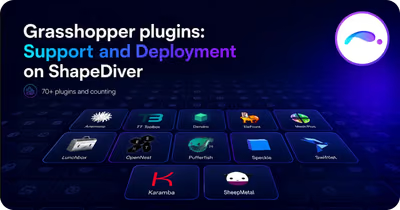
ShapeDiver supports more than 70 plugins, including professional ones, and lets Enterprise users deploy their own.
ShapeDiver
Five common mistakes when uploading a Grasshopper model to ShapeDiver: geometry not internalized or hidden, NURBS, unsupported plug-ins, and data trees.
ShapeDiver
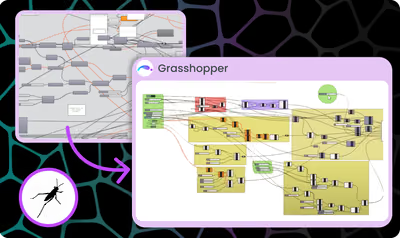
Three reasons to keep Grasshopper definitions clean and documented: future-proof work, easier debugging, and collaboration. With a free template.
ShapeDiver
Grasshopper plug-in
Install the plug-in, start a free trial, and take one of your own definitions from the Grasshopper canvas to a working model on the platform. The setup details are in the docs whenever you need them.
